

Neteller account কিভাবে খুলবেন এবং ফুল ভেরিফাই করবেন, সাথে 1$ ফ্রিতে পাবেন এসকল বিষয় আমি আজ আপনাদের দেখানোর চেষ্টা করব ৷
আমরা যারা অনলাইনে ট্রেড করি তাদের জন্য নেটেলার একটা পরিচিত শব্দ ৷
Neteller একটি অনলাইন মানি ট্রানজ্যাকশন সিষ্টেম ৷
যারা ফরেক্স বা অন্য কোন সাইটে ট্রেড করেন তাদের জন্য Neteller একটি গুরুত্তপূর্ণ মাধ্যম লেনদেন করার জন্য ৷
এছাড়া যারা বিভিন্য সাইট থেকে পন্য ক্রায় করেন তাদের জন্য ও এটা লাগে ৷
আবার যারা অনলাই বেটিং বা বাজি ধরেন যেমন : bet365, 1xbet, betway etc সাইটে বাজি ধরেন তাদের ত নেটেলার লাগেই ৷
তো আজকে আমরা জানব কিভাবে একটি Neteller account খুলা যাই এবং সেটি ফুল ভেরিফাই করা যাই ৷

1. আপনার আয়ডি কার্ড অথবা পাসপোর্ট
2. আপনার ব্যাংক স্টেটমেন্ট অথবা ড্রাইভিং লাইসেন্স অথবা কারেন্ট বিলের কাগজ
3.যার আয়ডি কার্ড তার আয়ডি কার্ড এর ইনফরমেশন অনুযায়ী সব কিছু লাগবে ৷
বলতে পারেন আয়ডি কার্ড আছে বাকি গুলা নাই! এমন হলে আমার সাথে যোগাযোগ করুন!
* শুধু আয়ডি কার্ড হলে ও হবে!
ত চলুন এবার একাউন্ট খুলি :— এখানে যান এটা আমার এফিলিয়েট লিংক এখান থেকে একাউন্ট খুললে আপনি 1$ ফ্রি পাবেন ৷ এবং একাউন্ট ভেরিফাই এর জন্য ফুল সাপোর্ট পাবেন ৷
1$ পেতে আমার সাথে যোগাযোগ করুন
সাপোর্ট পেতে +8801776233093
এবার এখানে যান এবং আপনার আয়ডি কার্ড এর সকল ইনফরমেশন দিয়ে account খুলুন ৷
নিচে ছবি গুলা দেখুন :—
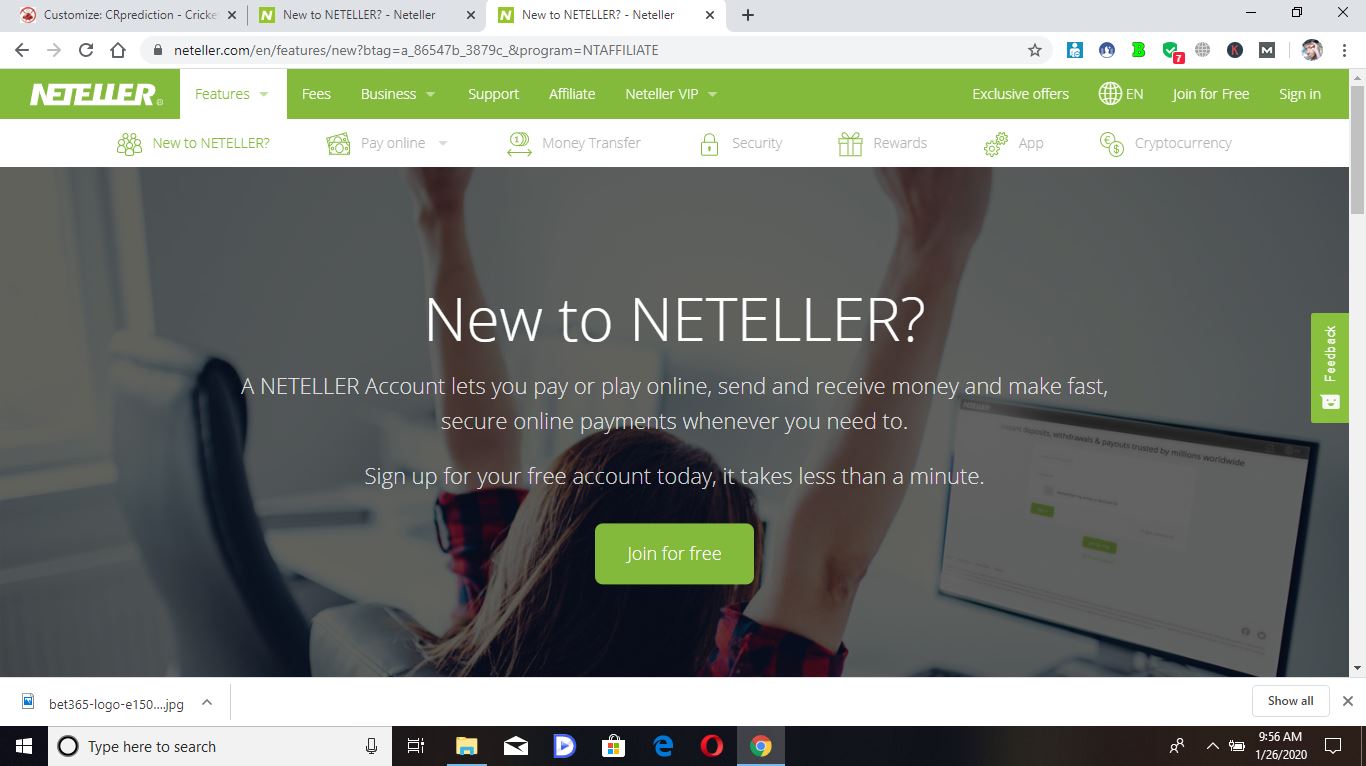 Then Click Jone Naw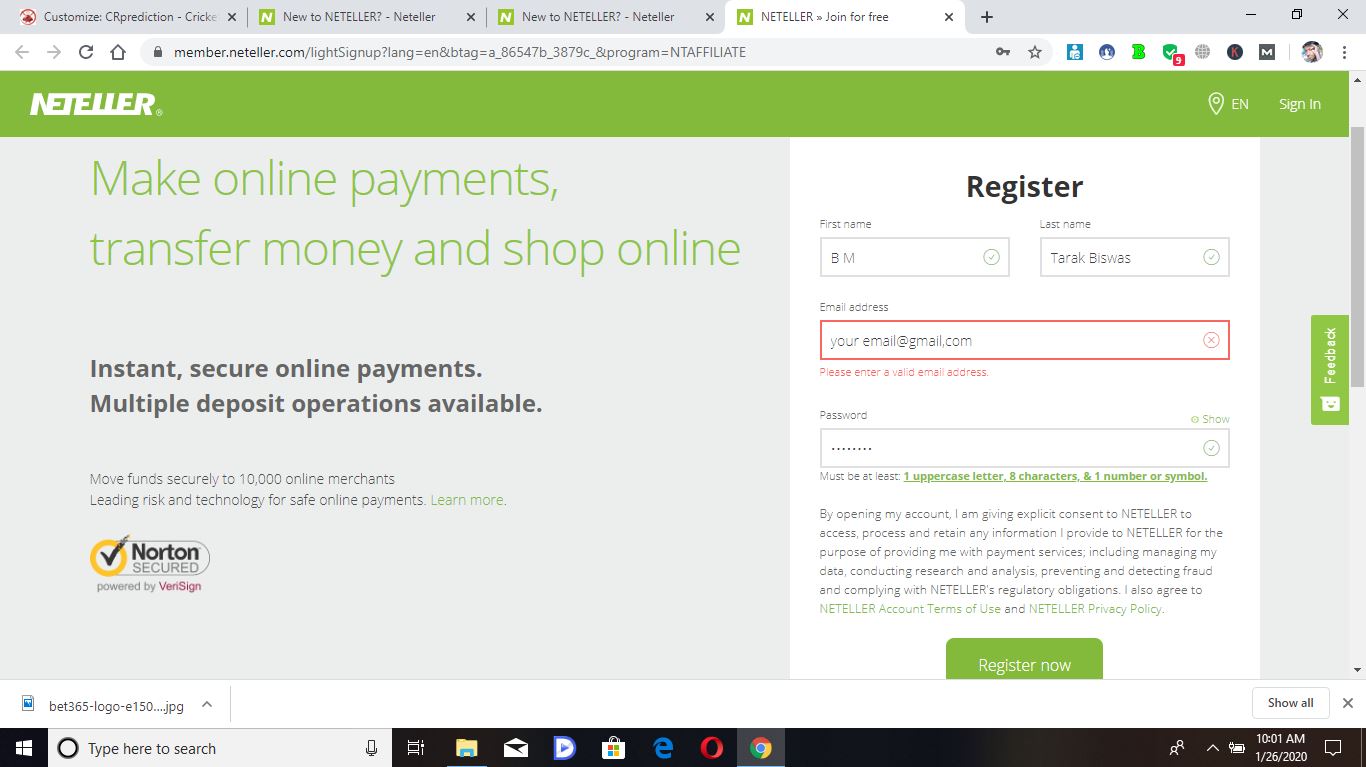
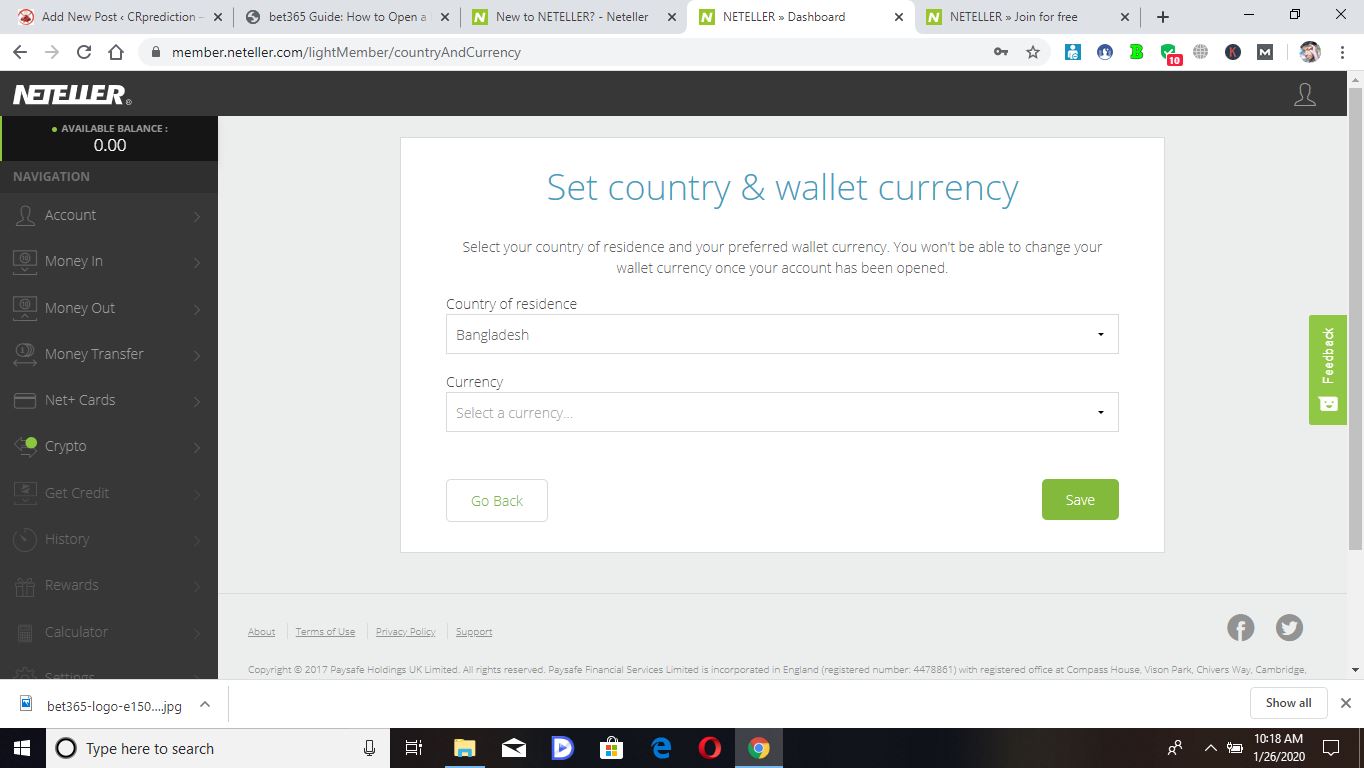
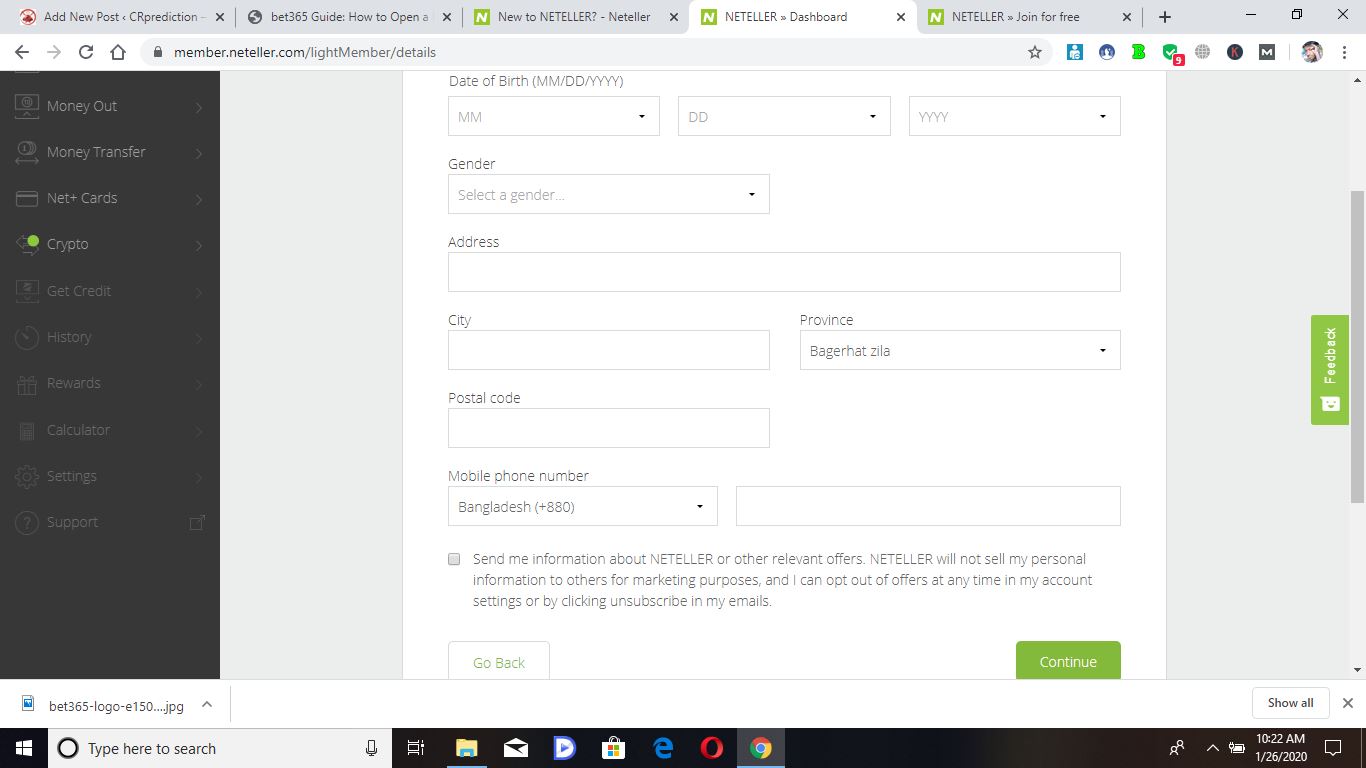 filup Your Id card info Naw and click the green “Continue” button Open this scrin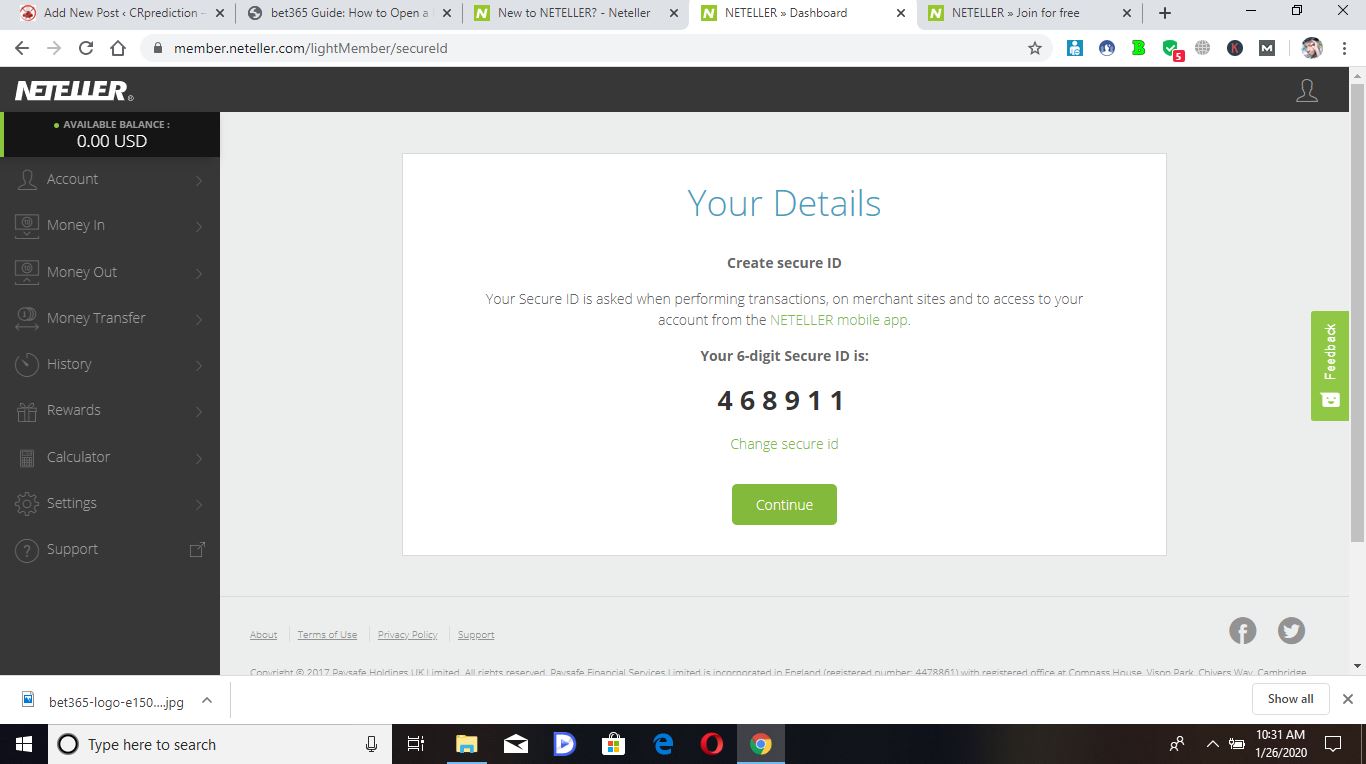
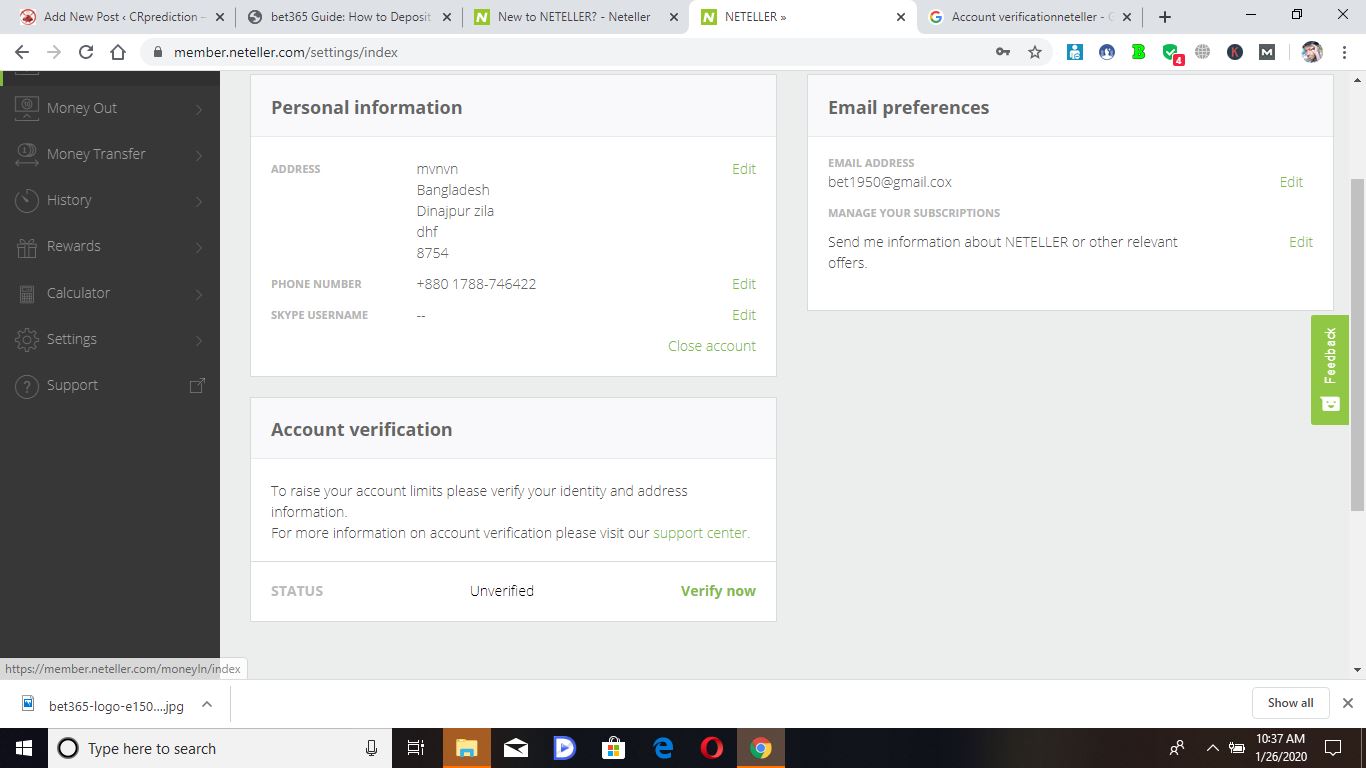
It is important to verify your Neteller account to enjoy the additional benefits that are available for verified accounts such as obtaining much higher transaction limits or removing them entirely and additional functionality such as the number of transactions you can make using a Net+ Virtual Mastercard.
However, the main benefit of verifying your Neteller account is the fact that to obtain VIP status you need to have your account verified and having a VIP Neteller account allows you to enjoy a vastly improved service such as reduced fees, increased limits, free P2P transfers and the ability to earn cashback on your transactions directly from Neteller.
Whilst you will still earn cashback from eWalletBooster if your account is unverified, we highly recommend verifying your account immediately after you register at Neteller.
Luckily, the process is very straightforward and easy. You can follow the steps below to get verified and if you are an eWalletBooster customer, you can receive an immediate Bronze Pro VIP upgrade.
Please note if you already have a verified Skrill account, your Neteller account should be automatically verified when you sign-up, regardless of whether you are an eWalletBooster customer or not.
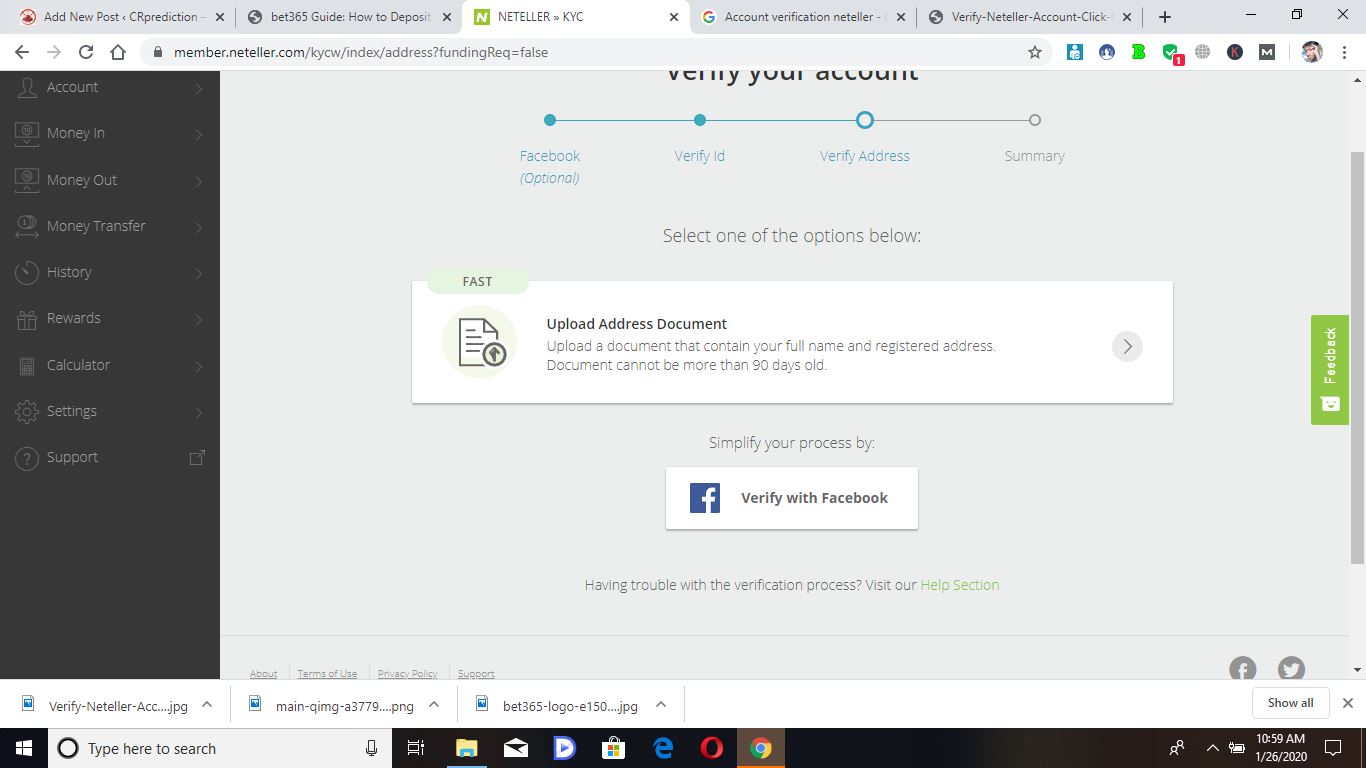
Please follow the easy steps below to verify your Neteller account.

Account not-disabled – verification message

Account disabled – verification message

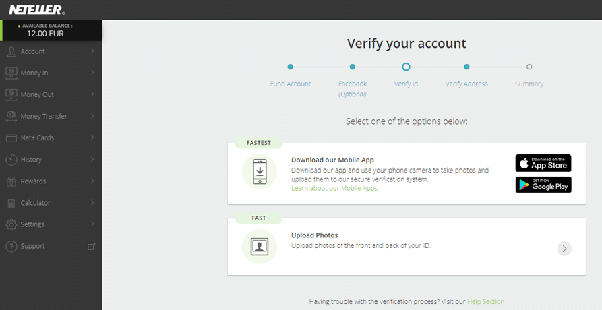
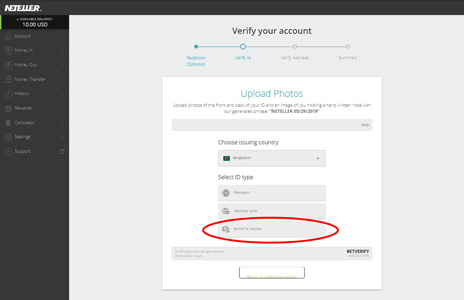
4. If you decide against Facebook verification, you will need to upload photos of the front and back of your photo ID. You can upload either your passport, driving licence or identity card. The images you upload must be clear and show all 4 corners of the document. (Alternatively, you can choose to verify your account via the Neteller app by downloading the app and following the steps there) Select one of the options below
 অনলাইনে আয় করতে চান? online earning এর 20+ উপাই আপনিও পারবেন.

আমি তারেক বিশ্বাস। বিশ্বের সর্ববৃহৎ বিজ্ঞান ও প্রযুক্তির সৌশল নেটওয়ার্ক - টেকটিউনস এ আমি 7 বছর 9 মাস যাবৎ যুক্ত আছি। টেকটিউনস আমি এ পর্যন্ত 4 টি টিউন ও 0 টি টিউমেন্ট করেছি। টেকটিউনসে আমার 1 ফলোয়ার আছে এবং আমি টেকটিউনসে 1 টিউনারকে ফলো করি।